Learning Center
Learn the cockpit before you fly it
Short, plain-language lessons organised into learning paths. Read them in order or jump to what interests you.
Interactive
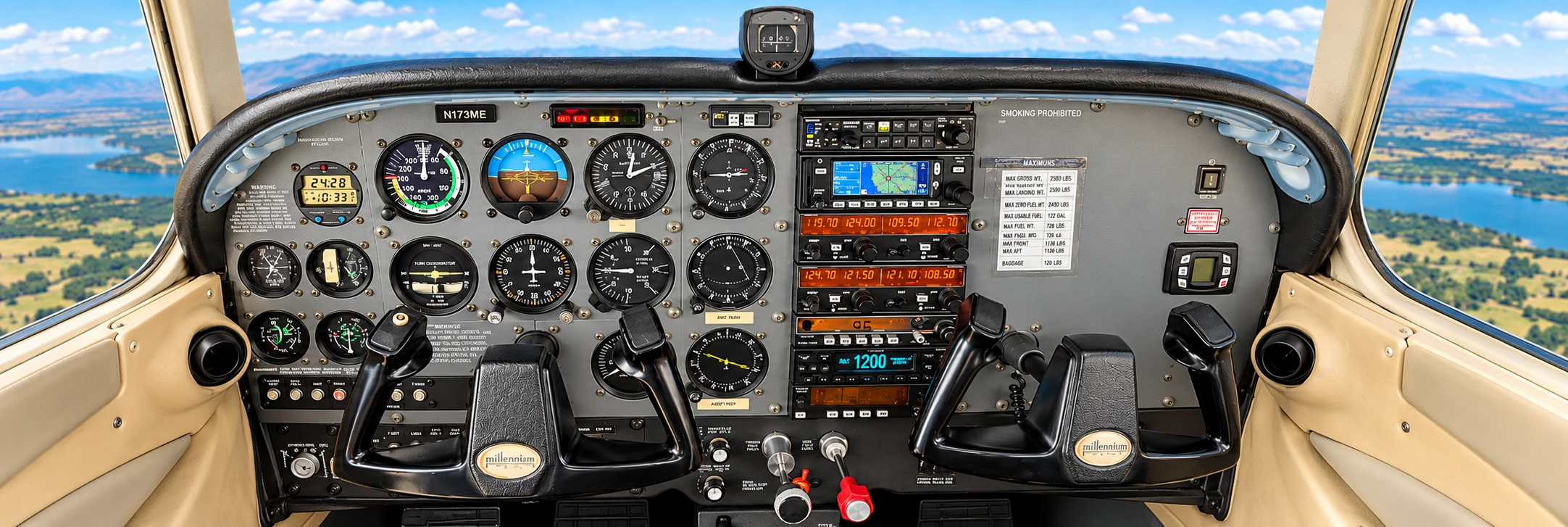
Discover the Cockpit
Tap each instrument on a real cockpit photograph to learn what it does.
Open the cockpitInteractive
Test Your Pilot Knowledge
Ten quick questions with instant feedback and plain-language explanations.
Start the challengeLearning paths
Getting Started with Flight Simulation
What flight simulation is, what to expect, and how a first session unfolds.
Understanding the Cockpit
A guided tour of the panel, the primary instruments, and where everything lives.
Flight Controls and Instruments
How the yoke, rudder pedals, throttle, and trim relate to what the instruments show.
Simulator Familiarization
Getting comfortable with the simulator interface, scenarios, and the instructor station.
Guided Demonstrations
Follow-along demonstrations you can watch before or after your own session.
Educational material on this website is for familiarization and general interest. It does not replace instruction from a certificated flight instructor, and no simulator time described here should be assumed to count toward any pilot certificate or rating unless Signature-Sky Aviation has confirmed that status in writing.
Ready to try it at the controls?
Reading is a good start. A guided simulator session is where it clicks.